How Orbits Works
Orbits was built with real thought and real tech behind it — not another engagement pod, not a bot service, not one of those "join this group and manually like 50 posts a day" setups that eat your time and give you fake accounts liking your posts.
This is for people who don\u2019t have time to sit and manually engage with strangers all day, but still want their Instagram to grow the way it\u2019s supposed to — through real accounts, real people, real engagement.
Right now, Orbits 1.0 is live for testing only — capped at the first 15 members. We want real feedback from real early users before we open this up properly. Once this test phase proves itself, the full version launches — with 5,000+ members in the network, meaning every post you submit could get up to 200 real likes, completely free, with zero manual effort from you.
⚠️ Before you start — please read
- Orbits currently works only on a PC or laptop — it does not work on mobile phones.
- You must use the same browser, on the same computer, for everything — signing up on Orbits, installing the extension, and logging into Instagram. Don't switch devices or browsers halfway through.
- Make sure you're logged into your real Instagram account in that browser before you try to connect — the extension reads your existing Instagram session, it doesn't log in for you.
💡 Nervous about using your main account?
This is completely fine — this is a test phase after all. If you don't want to connect your real/main Instagram account right away, feel free to try Orbits first with a second or test account to see how it works. Once you're comfortable, you can always connect your real account. And don't worry — even if you test with a second account, you'll still get your 1 month of free premium as one of our first 15 members.
Step-by-Step Setup
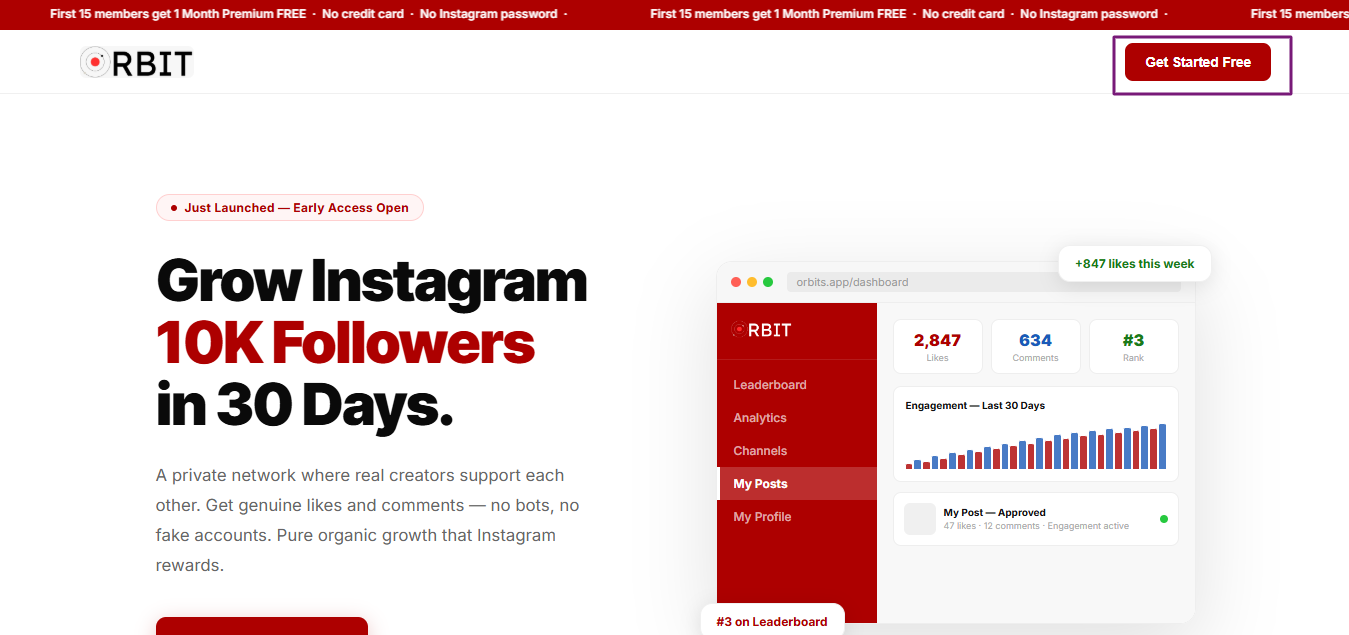
Click Get Started
Open the Orbits link in your browser and click the "Get Started" button to begin creating your account.
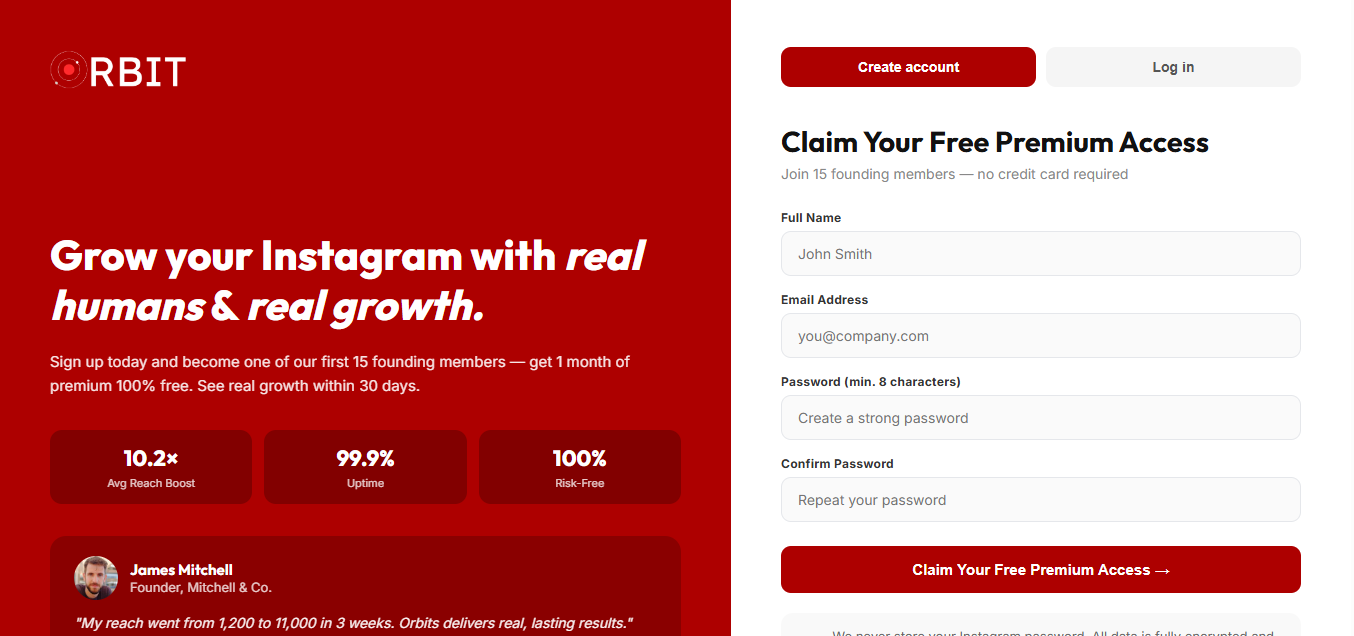
Create Your Account
Enter your name, an email address (this does not need to be the same email linked to your Instagram — any email works), and a new password. Then create your account.
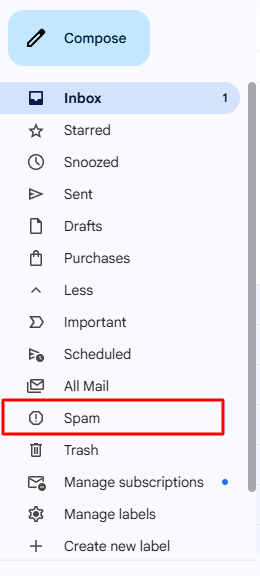
Confirm Your Email
Check your inbox for a confirmation email from Orbits. If you don’t see it within a minute or two, check your spam/junk folder — it sometimes lands there.
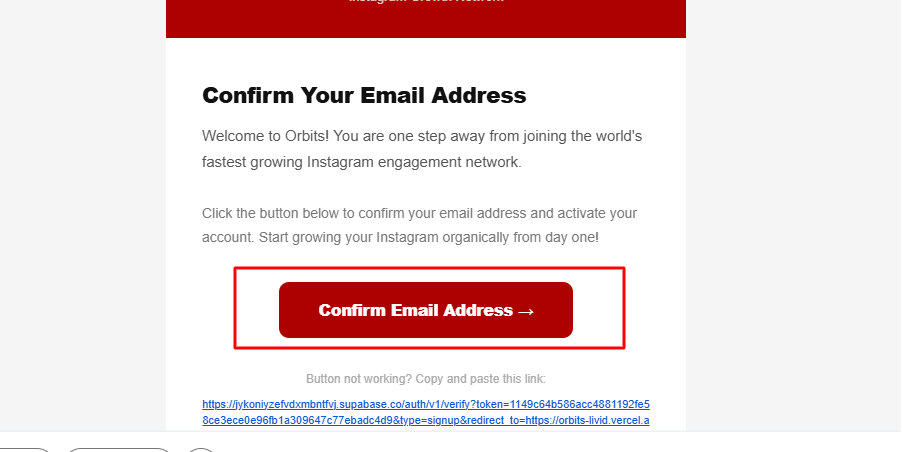
Click the Confirmation Link
Open the email and click the confirmation link inside to verify your account.
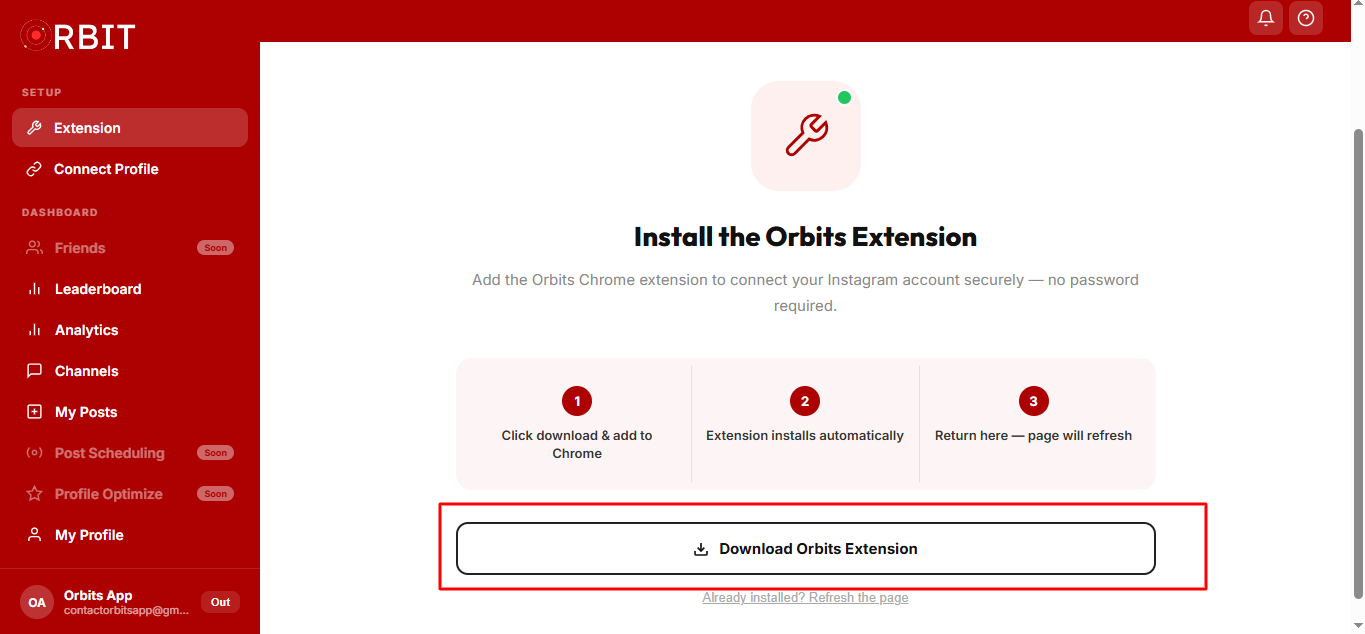
Download the Extension
Once confirmed, you’ll land on your dashboard. Click the download button to get the Orbits Chrome extension.
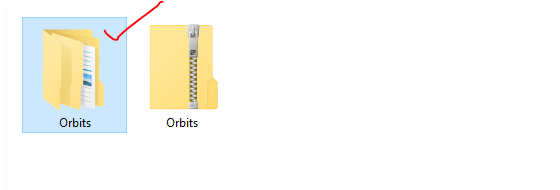
Extract the Extension Folder
The download comes as a zip file. Extract it, and you’ll see a folder appear — this is your Orbits extension folder.

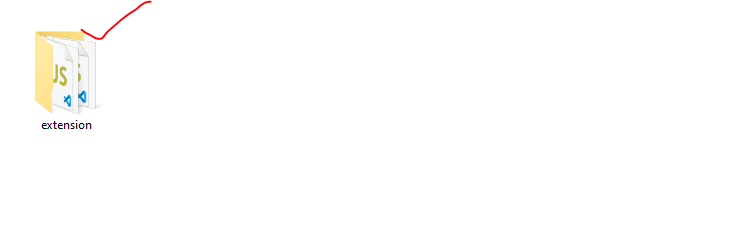
Find the Extension Inside
Open the extracted Orbits folder — inside it, you’ll find the actual extension folder. This is the one you’ll load into Chrome in the next step.
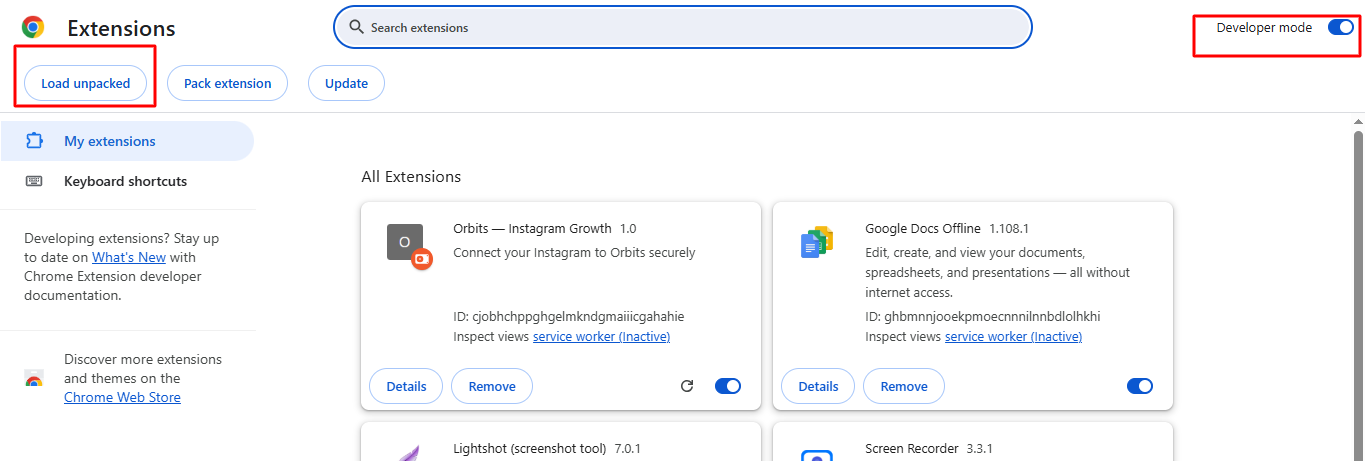
Load the Extension into Chrome
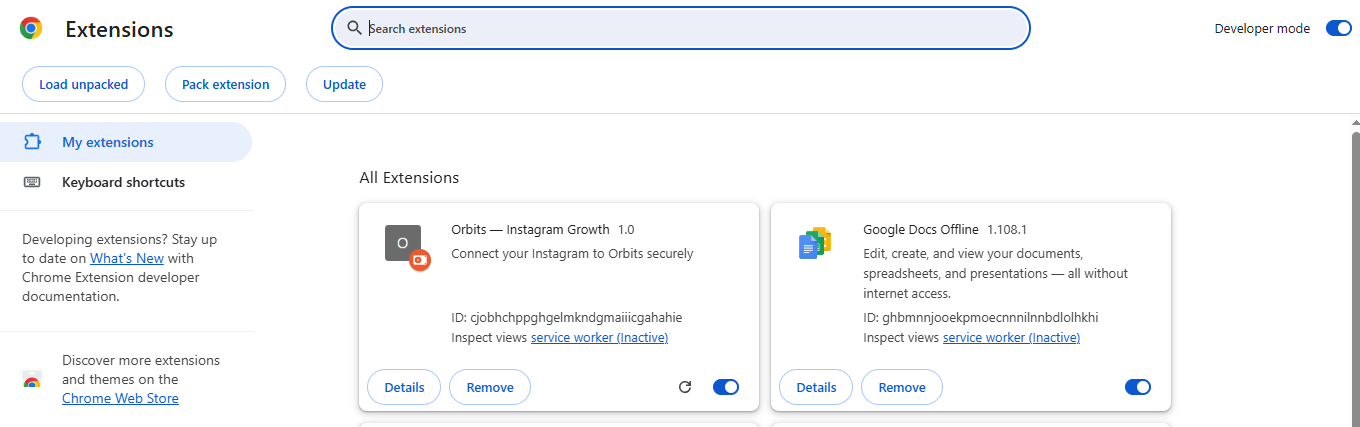
Open a new tab and go to chrome://extensions. Turn on Developer Mode (top right corner), then click Load Unpacked and select the extension folder you just found.
Enable and Pin the Extension
Once it loads, make sure it’s turned on, and pin it to your toolbar so the Orbits icon is always visible and easy to click.
Connect Your Instagram
This is important: use the exact same browser and the same PC/laptop where you signed up on Orbits and installed the extension. In that browser, open Instagram and make sure you are logged into your real Instagram account (the one you want to grow). Do not use a different browser, a different device, or your phone. Once logged in, go back to your Orbits dashboard, refresh the page, and click the Orbits extension icon in your toolbar. Instagram will open automatically in the background for a few seconds — don’t close it manually, it closes itself once done. Your profile will then be fetched automatically. If it doesn’t show up right away, close the dashboard tab, click the extension icon again, and refresh the dashboard.
Join a Channel
Head to the Channels tab and join one. Right now, during testing, there’s only one channel for everyone. Once we go live with the full version, there’ll be multiple channels organized by niche, so you can join the ones most relevant to your content and audience.
Copy Your Post Link
Go to Instagram, open the post or reel you want engagement on, and copy its link.
Submit Your Post on Orbits
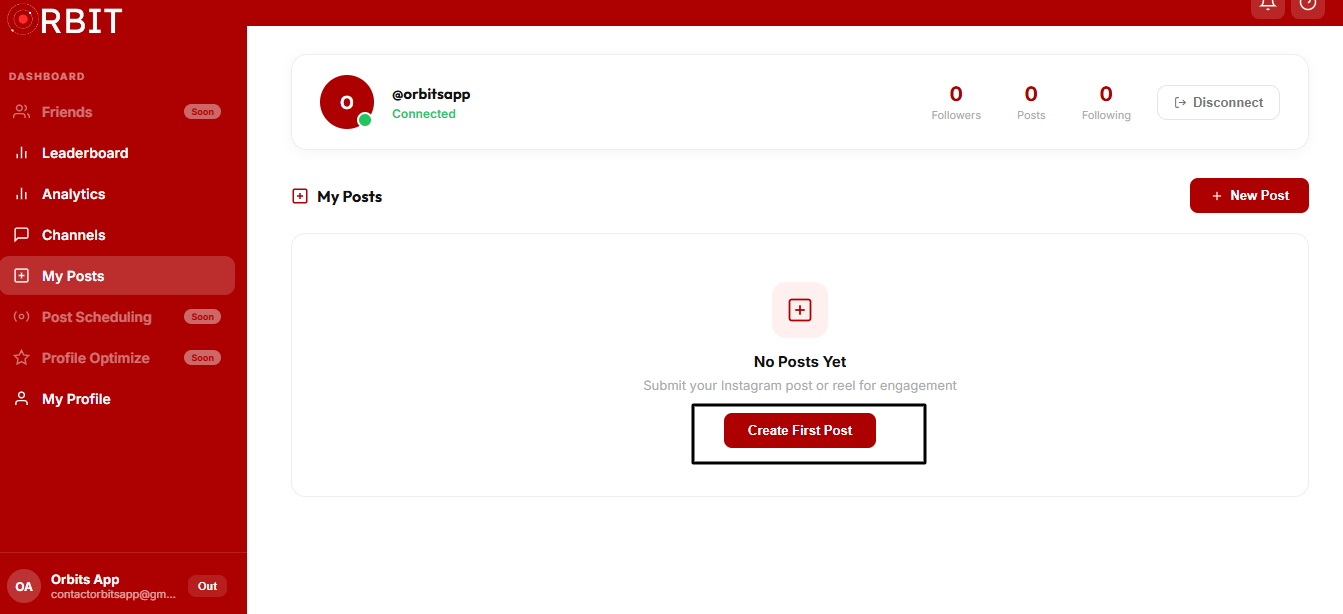
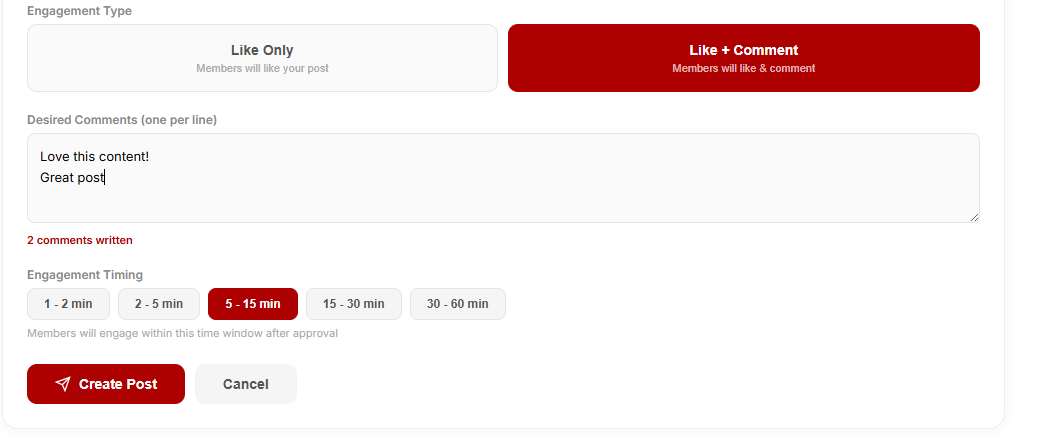
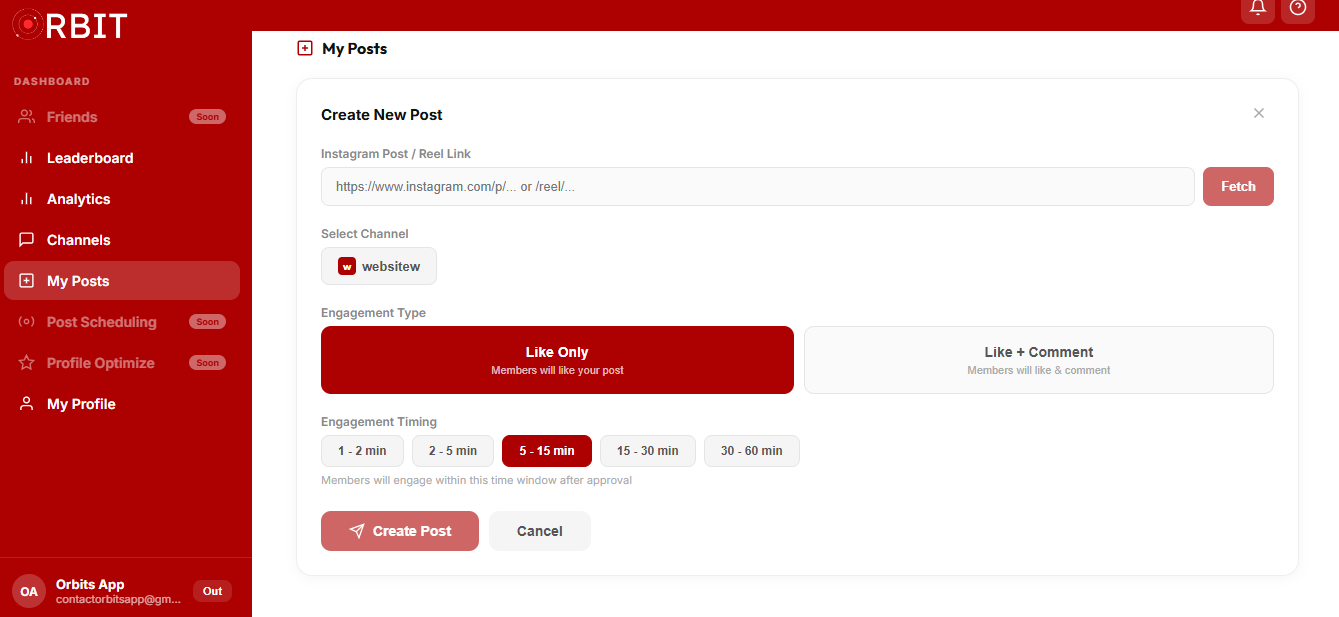
Go to the Posts tab and click Create Post. Paste your link, select your channel, and choose whether you want likes only or likes + comments. If you want comments, write out what you’d like people to comment. One honest note: not everyone in the network will comment on every post — it depends on how many active members are online at the time, since this is still test phase with a small group. As the network grows, this naturally scales up too.
Fetch and Publish
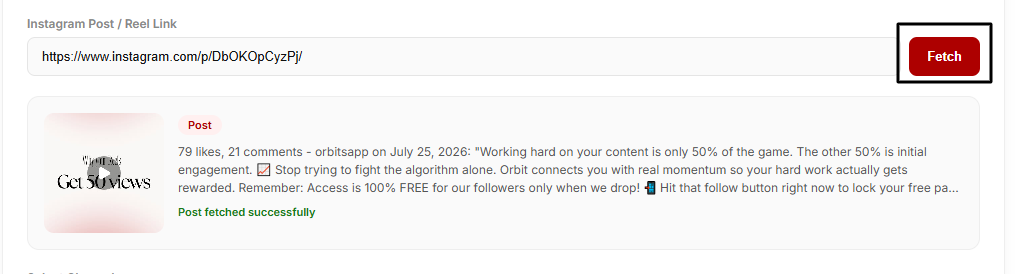
Click Fetch — Instagram will open briefly in the background to pull your post’s details. Once fetched, click Create Post to submit it.
Auto Review
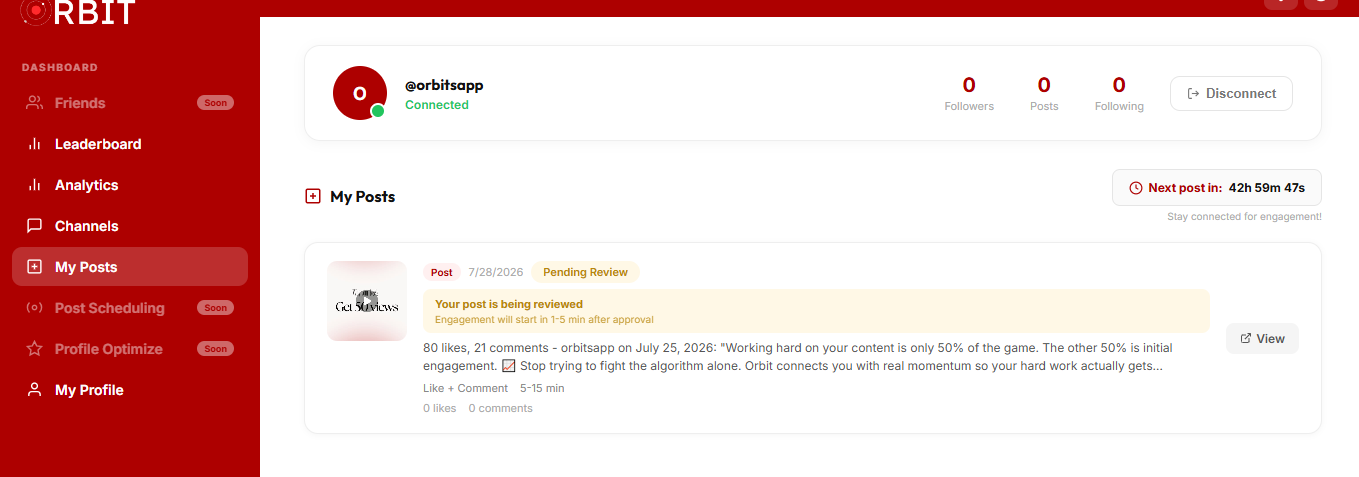
Your post goes into Pending status. Our system automatically reviews it within 1–15 minutes — you can close the tab and relax. Posts that aren’t your own (you must be the owner of the post you submit) or that contain explicit/sexual content get automatically rejected. Everything else gets approved automatically.
Watch the Engagement Roll In
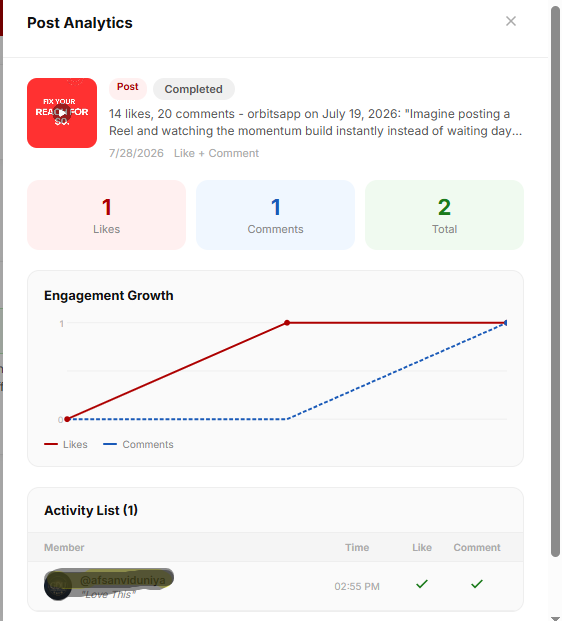
Within roughly 30 minutes to 2 hours, real members start liking (and commenting, where applicable) on your post — automatically, gradually, and naturally. How much engagement you get depends on how many active members are online at that moment.
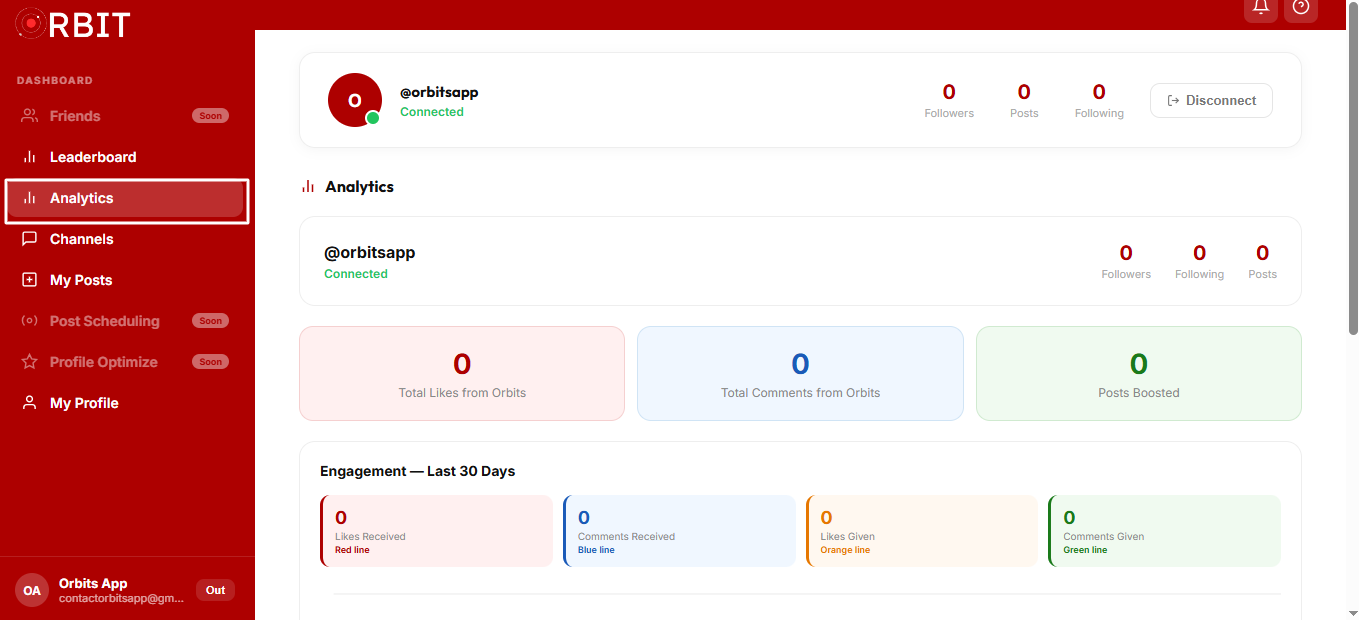
Track Your Analytics
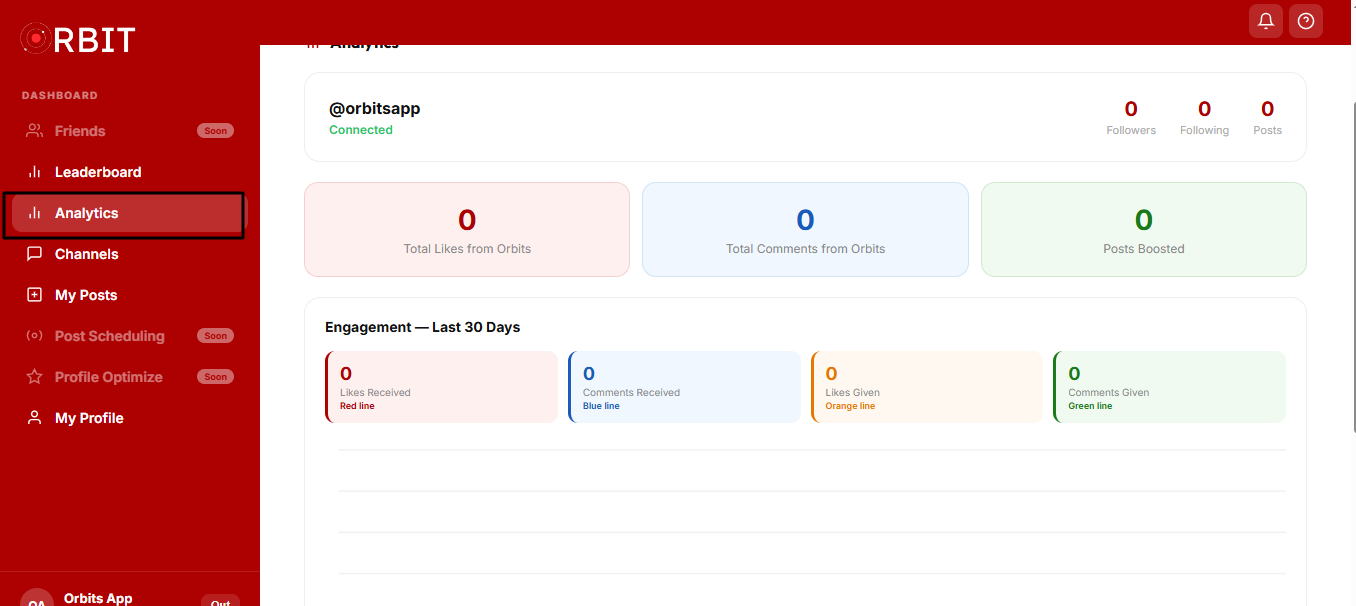
The Analytics tab shows your monthly stats — likes and comments given vs. received, with a visual breakdown. A "who viewed your profile" feature is coming soon.
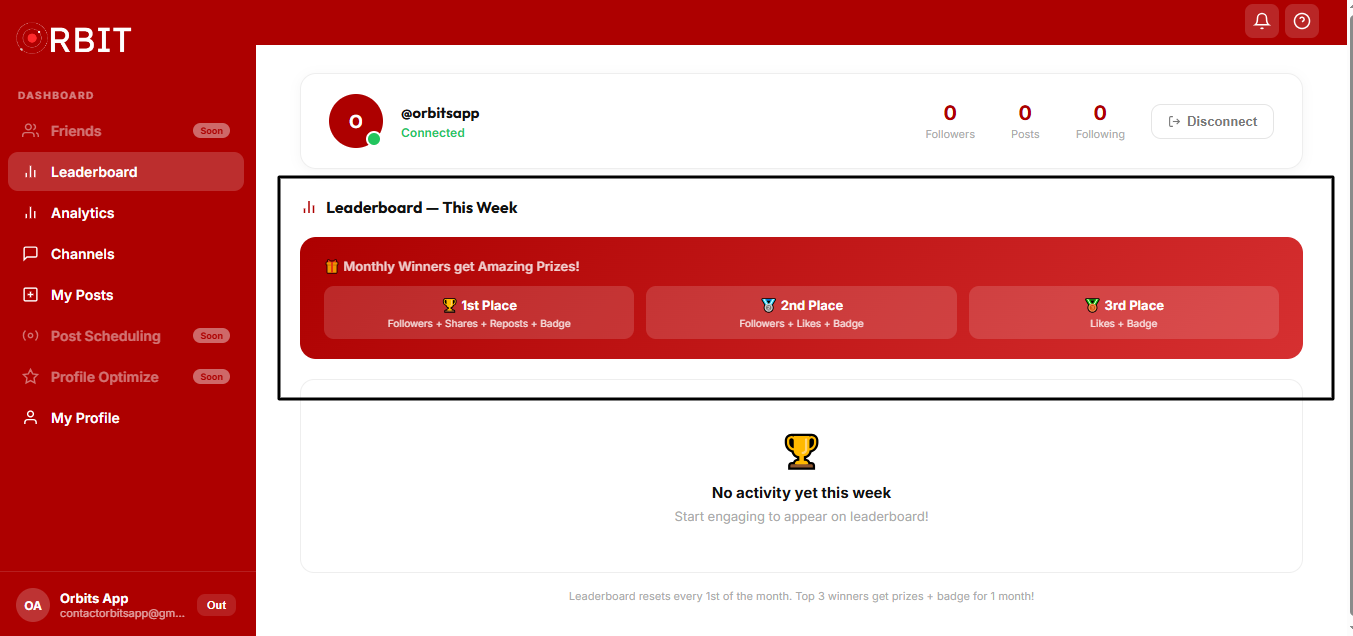
Climb the Leaderboard
The Leaderboard tab ranks the top engagers each month. The top performers win real rewards — followers, reach, reposts, and more. We’re also working toward bringing real paid brand promotions to top members within the next couple of months.
Disconnecting
If you ever want to stop, disconnecting is simple — one click to disconnect and log out. No commitment, no hassle. Just enjoy the engagement that matches the current network size, with zero manual work on your end.
🔒 100% Secure
No bots. No fake accounts. No Instagram password required, ever. Engagement happens gradually and naturally, spread out over hours — not all at once — because that\u2019s what keeps every connected account safe.
Help Us Grow This
If Orbits helped you, invite a friend — the bigger and more active the network gets, the more engagement everyone receives. This only works because real people show up for each other.
Ready to try it yourself?
Join now — first 15 members get 1 month premium free.
Have a question we didn\u2019t cover? Check the FAQ page or email us at contactorbitsapp@gmail.com. We\u2019re always active and actually respond.
Note: Orbits is currently a web app only — not yet available on mobile.